We may earn a commission for purchases through links on our site at no cost to you, Learn more.
- Understand FedEx delivery operations and the role of the driver.
- Contact FedEx customer service via phone, online chat, or email.
- Use FedEx Delivery Manager for scheduling and instructions.
- Opt into tracking updates and notifications.
- Utilize the FedEx mobile app for managing deliveries.
- Be clear and concise when communicating instructions.
- Provide accurate information and plan ahead.
- Use all available tools and resources for effective communication.
- Address common challenges like missed deliveries and secure location access.
- Prioritize urgent deliveries by contacting customer service promptly.
How to Contact a FedEx Driver?
In today’s fast-paced world, timely and reliable package delivery is essential for both individuals and businesses. FedEx, one of the leading global courier delivery services, prides itself on providing efficient delivery services. However, there are times when you might need to contact a FedEx driver directly—perhaps to arrange a special delivery time, get updates on a package, or provide specific delivery instructions.
This blog post will guide you through the various methods and best practices for how to contact a FedEx driver, ensuring your delivery experience is as smooth and hassle-free as possible.
Understanding FedEx Delivery Operations
Before diving into the specifics of how to contact a FedEx driver, it’s important to understand the general structure of FedEx delivery operations. FedEx operates through a vast network of hubs and spokes, utilizing a combination of ground and air transportation to ensure timely deliveries.
Drivers play a crucial role in this network, often serving as the final point of contact between FedEx and the customer.
The Role of a FedEx Driver
A FedEx driver’s primary responsibilities include picking up packages from local facilities, ensuring secure and timely delivery to recipients, and sometimes collecting signatures or providing proof of delivery. They follow predetermined routes and schedules to maximize efficiency.
While FedEx drivers are not typically reachable directly like customer service representatives, there are several ways to communicate with them or relay messages effectively.
Reasons You Might Need to Contact a FedEx Driver
There are various scenarios where contacting a FedEx driver might be necessary:
- You need to provide specific delivery instructions (e.g., leave the package at the back door).
- You want to schedule a delivery time that suits your availability.
- You need to track down a package that was not delivered as expected.
- You have urgent changes to your delivery address or instructions.
Methods to Contact a FedEx Driver
Through FedEx Customer Service
One of the most straightforward methods to contact a FedEx driver is by reaching out to FedEx customer service. This can be done through various channels:
Phone
Calling FedEx customer service is often the quickest way to get assistance. When you call, provide your tracking number and explain your request or issue. Customer service representatives can then relay messages to the driver through their internal communication system.
Online Chat
FedEx’s website offers a live chat option, where you can interact with a customer service representative in real time. Similar to calling, you’ll need to provide your tracking number and details of your request.
For less urgent inquiries, you can email FedEx customer service. Include all pertinent information, such as your tracking number, delivery address, and specific instructions or questions you have for the driver.
Using FedEx Delivery Manager
FedEx Delivery Manager is an online tool that provides greater control over your deliveries. By signing up for this service, you can:
- Schedule delivery times
- Provide specific delivery instructions
- Redirect packages to a different address or FedEx location
Using this tool, you can effectively communicate your needs and preferences, which are then conveyed to the driver responsible for your delivery.
Tracking Updates and Notifications
FedEx offers real-time tracking updates and notifications via SMS and email. By opting into these updates, you can receive alerts when your package is out for delivery. These notifications often include contact information for local FedEx offices, which can be useful if you need to make urgent changes or requests.
FedEx Mobile App
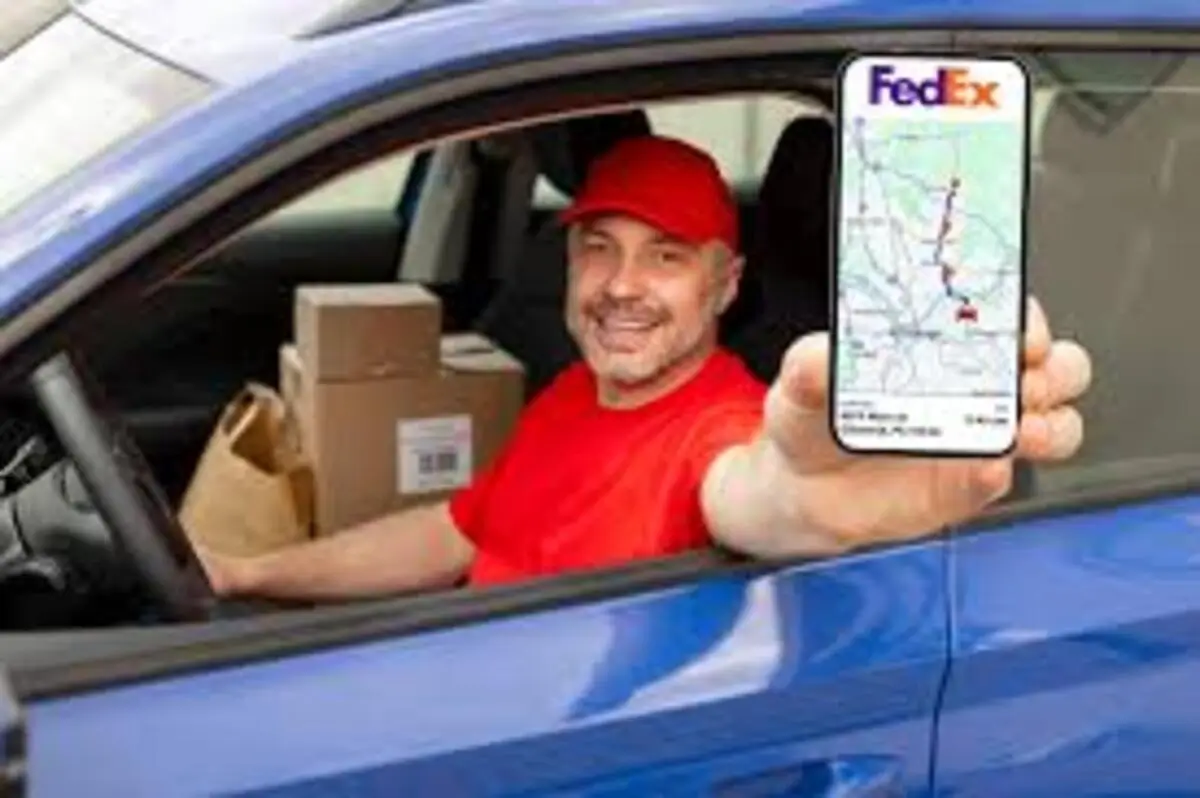
The FedEx mobile app is another excellent resource for managing your deliveries. Through the app, you can track your packages, manage delivery options, and receive notifications. The app also allows you to provide delivery instructions and schedule delivery times, ensuring that the driver receives your requests.
Tips for Effectively Communicating with a FedEx Driver
Be Clear and Concise
When relaying messages or instructions, clarity is key. Whether you’re speaking with customer service or using the Delivery Manager tool, make sure your instructions are precise and easy to understand.
Provide Accurate Information
Double-check that all information provided, such as your address and tracking number, is accurate. Incorrect information can lead to miscommunication and delays.
Plan Ahead
If you know you have specific delivery needs, try to communicate them as early as possible. Last-minute requests can be more challenging to accommodate.
Utilize All Available Tools
Take advantage of all the tools and resources FedEx offers, from customer service to mobile apps. These tools are designed to enhance your delivery experience and ensure your needs are met.
Common Challenges and Solutions
Missed Deliveries
If you miss a delivery attempt, FedEx usually leaves a door tag with instructions on how to retrieve your package or schedule a redelivery. Contacting customer service can help expedite this process.
Delivery to Secure Locations
For deliveries to secure buildings or gated communities, providing access codes or instructions ahead of time can prevent delays. Use the FedEx Delivery Manager to input these details.
Urgent Deliveries
In cases where immediate delivery is crucial, contacting FedEx customer service and explaining the urgency can sometimes result in expedited handling.
Frequently Asked Questions
Here are some of the related questions people also ask:
How can I directly contact a FedEx driver?
While you cannot directly contact a FedEx driver, you can relay messages through FedEx customer service via phone, online chat, or email. Additionally, using tools like FedEx Delivery Manager allows you to provide specific delivery instructions that the driver will receive.
What is the FedEx Delivery Manager, and how does it help in contacting a driver?
FedEx Delivery Manager is an online tool that allows you to schedule delivery times, provide specific delivery instructions, and redirect packages. These instructions are communicated to the FedEx driver, ensuring your needs are met without direct contact.
Can I get real-time updates on my FedEx delivery?
Yes, you can opt into real-time tracking updates and notifications via SMS and email. These updates provide information on the status of your package and often include contact information for local FedEx offices.
What should I do if I miss a FedEx delivery?
If you miss a delivery attempt, FedEx usually leaves a door tag with instructions on how to retrieve your package or schedule a redelivery. You can also contact FedEx customer service to expedite this process.
How do I provide delivery instructions to a FedEx driver?
You can provide delivery instructions through FedEx Delivery Manager or the FedEx mobile app. These tools allow you to specify where to leave the package, access codes for secure buildings, and preferred delivery times.
What information do I need to contact FedEx customer service?
When contacting FedEx customer service, have your tracking number, delivery address, and specific instructions or issues ready. Providing accurate and detailed information helps in relaying your message effectively to the driver.
What should I do if I need to make urgent changes to my FedEx delivery?
For urgent changes, contact FedEx customer service immediately and explain the situation. They can often expedite handling and communicate your urgent needs to the driver. Using the FedEx mobile app or Delivery Manager can also help manage last-minute changes.
The Bottom Line: How to Contact a FedEx Driver?
Knowing how to contact a FedEx driver can significantly enhance your delivery experience, ensuring that your packages are delivered on time and according to your preferences.
While FedEx drivers are not typically reachable directly, leveraging the various customer service channels, tools like FedEx Delivery Manager, and the FedEx mobile app can help you communicate effectively with your driver.
Remember to be clear, provide accurate information, and utilize all available resources to ensure a smooth and efficient delivery process. By following these guidelines, you’ll be well-equipped to handle any delivery situation with ease and confidence.