We may earn a commission for purchases through links on our site at no cost to you, Learn more.
- Utilize in-app support as the first point of contact for resolving common issues.
- Phone support is available 24/7 for urgent issues requiring immediate attention.
- Visit Uber Greenlight Hubs for in-person assistance with complex problems.
- Contact Uber driver support via social media or email for non-urgent or detailed issues.
- Be clear, concise, and proactive in communication to ensure timely resolution of issues.
As a driver for Uber, your experience on the road is integral to your livelihood. Whether it’s resolving an issue, getting guidance on Uber policies, or seeking assistance with a technical problem, knowing how to contact Uber driver support is essential.
This guide provides a detailed overview of the various ways you can reach out to Uber driver support, ensuring that you can get the help you need when you need it.
How to Contact Uber Driver Support?
Driving for Uber offers flexibility, independence, and the opportunity to earn a living on your terms. However, like any job, it comes with its own set of challenges. From navigating the app to managing rider interactions, issues can arise that require direct communication with Uber’s support team. Understanding how to contact Uber driver support can make the difference between a quick resolution and a prolonged problem.
This blog post will walk you through the multiple avenues available to contact Uber driver support, highlight the best practices for getting timely responses, and provide tips on how to efficiently resolve common issues. Whether you’re new to Uber or a seasoned driver, this guide will equip you with the knowledge to handle any situation that may arise.
In-App Support: Your First Line of Defense
The Uber Driver app is designed to be a comprehensive tool for drivers, and one of its most valuable features is the in-app support. This should be your first stop whenever you encounter an issue or have a question. Here’s how to contact Uber driver support through the app:
Navigating the Help Section
To access support, open your Uber Driver app and navigate to the “Help” section. This area is specifically designed to address common issues drivers face, from payment discrepancies to app functionality. The “Help” section is categorized to make it easier to find the specific issue you’re dealing with.
Submitting a Support Request
If you can’t find the answer to your problem within the FAQs, you can submit a support request. This option allows you to explain your issue in detail, and Uber’s support team will follow up with you via the app. When submitting a request, be as specific as possible about the problem to receive the most accurate assistance.
Response Time and Follow-Up
Uber typically responds to in-app support requests within 24 to 48 hours. However, this can vary depending on the complexity of the issue and the volume of requests. It’s important to check your app regularly for responses and to follow up if necessary.
Phone Support: Speaking Directly with a Representative
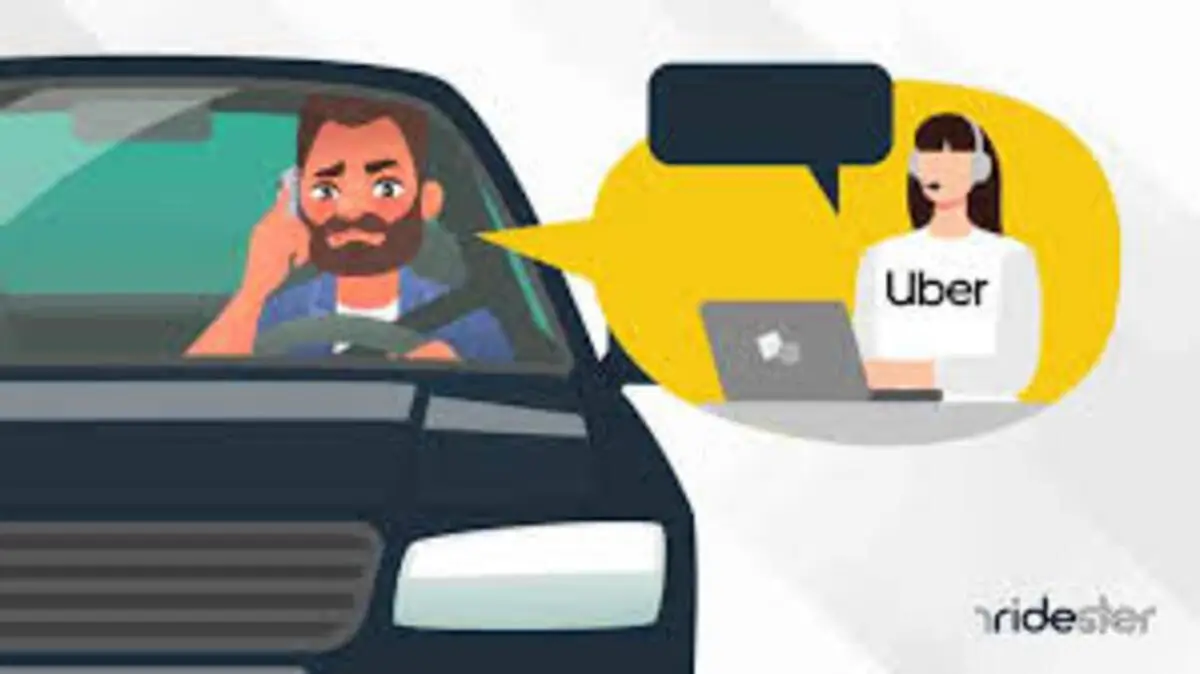
While in-app support is convenient, there are times when you may need to speak directly with a human. Uber offers a phone support option for drivers, which can be particularly useful in urgent situations. Here’s how to contact Uber driver support via phone:
Accessing Phone Support
Uber’s phone support is available 24/7 for active drivers. To access this feature, open your Uber Driver app, go to the “Help” section, and select “Call Support.” This will connect you with a representative who can assist you with your issue.
When to Use Phone Support
Phone support is ideal for issues that require immediate attention, such as accidents, safety concerns, or problems that prevent you from driving. The support representatives are trained to handle these types of situations and can provide you with the necessary guidance to resolve the issue quickly.
Tips for Effective Communication
When calling Uber driver support, have all relevant information ready, such as your trip details, driver ID, and a clear description of the problem. This will help the representative understand your situation and provide a faster resolution.
Uber Greenlight Hubs: In-Person Assistance
Sometimes, the best way to resolve an issue is through face-to-face interaction. Uber’s Greenlight Hubs are physical locations where drivers can receive in-person support from Uber staff. Here’s how to contact Uber driver support at a Greenlight Hub:
Finding a Greenlight Hub
Greenlight Hubs are located in various cities around the world. To find the nearest hub, open your Uber Driver app, go to the “Help” section, and look for “Greenlight Locations.” You can also search for Greenlight Hubs on Uber’s website.
What to Expect at a Greenlight Hub?
At a Greenlight Hub, you can receive assistance with a wide range of issues, including document verification, app troubleshooting, and payment concerns. The staff at these hubs are knowledgeable about Uber’s policies and can provide hands-on help to resolve your issue.
Preparing for Your Visit
Before visiting a Greenlight Hub, make sure to bring any necessary documents, such as your driver’s license, vehicle registration, and insurance. Additionally, prepare a clear explanation of the issue you’re experiencing to make the most of your time at the hub.
Social Media and Email Support: Alternative Contact Methods
In addition to the primary support channels, Uber also provides support through social media and email. These methods can be useful if you’re unable to reach Uber through the app or phone, or if you prefer written communication. Here’s how to contact Uber driver support via social media and email:
Social Media Support
Uber maintains active social media profiles on platforms like Twitter and Facebook. You can reach out to Uber support by sending a direct message (DM) or mentioning them in a post. While social media is not the fastest method of communication, it can be effective for non-urgent issues or when you want to escalate a problem that hasn’t been resolved through other channels.
Email Support
For issues that require detailed explanations or attachments, email support is a good option. You can contact Uber driver support via email by navigating to the “Help” section in your app, selecting the relevant issue, and choosing the email option. Make sure to include all necessary details in your email to avoid delays in receiving a response.
Response Time and Follow-Up
Both social media and email support typically have longer response times compared to in-app or phone support. Expect to wait up to 72 hours for a response, depending on the complexity of the issue. If you haven’t received a response within that time frame, it’s a good idea to follow up or try another contact method.
Frequently Asked Questions
Here are some of the related questions people also ask:
How can I contact Uber driver support directly?
You can contact Uber driver support directly through the in-app support option, by phone, at a Greenlight Hub, or via social media and email.
What is the fastest way to get help from Uber as a driver?
The fastest way to get help is by using the in-app support or calling Uber driver support directly via the Uber Driver app.
Can I visit an Uber office for driver support?
Yes, you can visit an Uber Greenlight Hub for in-person support with issues such as document verification, app troubleshooting, and payment concerns.
What should I do if Uber driver support doesn’t respond?
If Uber driver support doesn’t respond, follow up through the same channel or try reaching out through an alternative method like phone support or social media.
Is Uber driver support available 24/7?
Yes, Uber offers 24/7 phone support for active drivers, especially for urgent matters like accidents or safety concerns.
How do I escalate an unresolved issue with Uber driver support?
You can escalate an unresolved issue by visiting a Greenlight Hub, contacting Uber via social media, or following up persistently through the in-app support or phone.
What information should I have ready when contacting Uber driver support?
When contacting Uber driver support, have your trip details, driver ID, and a clear description of the issue ready to ensure a quick and accurate resolution.
The Bottom Line: How to Contact Uber Driver Support?
Knowing how to contact Uber driver support is crucial for maintaining a smooth and successful driving experience. Whether you’re dealing with a technical glitch, a payment issue, or a safety concern, having access to the right support channels ensures that you can get back on the road with minimal disruption.
In this guide, we’ve covered the four primary ways to contact Uber driver support: in-app support, phone support, Greenlight Hubs, and social media/email support. Each method has its own advantages, and the best one for you will depend on the nature of your issue and your personal preference.
For most issues, the in-app support option is the most convenient and comprehensive, providing a direct link to Uber’s resources. For more urgent matters, phone support offers the quickest response time, while Greenlight Hubs provide in-person assistance for complex issues. Social media and email support serve as valuable alternatives, especially for drivers who prefer written communication.
By understanding these different support channels and how to use them effectively, you’ll be better equipped to handle any challenges that come your way while driving for Uber. Remember, the key to getting the best support is to be clear, concise, and proactive in your communication. With the right approach, you can ensure that any issue you encounter is resolved quickly and efficiently, allowing you to focus on providing great service to your passengers.