We may earn a commission for purchases through links on our site at no cost to you, Learn more.
- Rerouting a UPS package means changing its delivery address after shipping.
- Rerouting is useful for scenarios like recipient unavailability, wrong address, or changing plans.
- Verify package eligibility for rerouting before proceeding.
- Choose the appropriate rerouting option: another address, hold for pickup, reschedule delivery, or return to sender.
- Submit the rerouting request through the UPS website or app.
- Be aware of and pay any applicable rerouting fees.
- Potential challenges include packages already out for delivery, incorrect information, and high fees.
- Being informed and proactive ensures successful package rerouting.
How Do I Reroute a UPS Package?
In today’s fast-paced world, shipping and receiving packages has become an essential part of our daily lives. Whether it’s a gift for a loved one, an important document, or an online purchase, the reliability of delivery services like UPS is crucial.
However, there are times when plans change—perhaps you’re not at home to receive a package, or you need to send it to a different address. In such cases, knowing how to reroute a UPS package becomes invaluable. This blog post will guide you through the entire process, ensuring that your package gets to the right place, at the right time, without any hassle.
Understanding UPS Package Rerouting
Before diving into the steps involved in rerouting a package, it’s important to understand what package rerouting means. Rerouting refers to changing the original delivery address of a package after it has been shipped but before it has been delivered.
This service is especially useful when unforeseen circumstances arise, such as the recipient being unavailable at the original address or when a package needs to be sent to a different location altogether.
UPS offers several options for rerouting packages, depending on the status of the shipment and the level of service chosen by the shipper. Understanding how to reroute a UPS package begins with knowing the different rerouting options and the conditions under which they are available.
Why Would You Need to Reroute a UPS Package?
There are several reasons why you might need to reroute a UPS package. Here are some common scenarios:
- Recipient Not Available: Perhaps the recipient is out of town, or they won’t be home during the delivery window. Rerouting the package ensures it doesn’t sit outside unattended, where it could be stolen or damaged.
- Wrong Address Provided: Sometimes, the shipper or recipient may accidentally provide an incorrect address. Rerouting can correct this mistake, preventing the package from being delivered to the wrong location.
- Change in Plans: If plans change and the recipient needs the package delivered to a different location, rerouting is a quick and effective solution.
- Avoiding Missed Deliveries: Rerouting the package to a UPS Access Point or a neighbor’s house can prevent missed deliveries and ensure the package is received on time.
Understanding how to reroute a UPS package is essential for managing these situations effectively.
How to Reroute a UPS Package: Step-by-Step Guide
Now that we’ve covered the basics, let’s dive into the step-by-step process of how to reroute a UPS package. The process may vary slightly depending on whether you’re the shipper or the recipient, but the general steps remain the same.
Verify the Eligibility for Rerouting
Before you can reroute a UPS package, it’s important to verify that the package is eligible for rerouting. Not all shipments can be rerouted, so this is the first step in the process. Packages that are already out for delivery or have been delivered cannot be rerouted. Additionally, some service levels, such as UPS SurePost®, may have restrictions on rerouting.
To verify eligibility, you can log in to your UPS account and check the tracking information for the package. If the option to reroute is available, you’ll see it in the package’s tracking details.
Choose the Rerouting Option
Once you’ve confirmed that the package is eligible for rerouting, the next step is to choose the rerouting option that best suits your needs. UPS offers several rerouting options, including:
- Deliver to Another Address: This option allows you to change the delivery address to a different location, such as a new home address or a workplace.
- Hold for Pickup: You can request that the package be held at a UPS facility or a UPS Access Point for the recipient to pick up at their convenience.
- Reschedule Delivery: If the recipient will be available at the original address on a different date, you can reschedule the delivery to a more convenient time.
- Return to Sender: If the package is no longer needed, you can request that it be returned to the sender.
Understanding these options is key to knowing how to reroute a UPS package effectively. Choose the option that best fits your situation and proceed to the next step.
Submit the Rerouting Request
After selecting the appropriate rerouting option, you’ll need to submit the rerouting request. This can be done online through the UPS website or mobile app. Here’s how:
- Log in to Your UPS Account: If you don’t have an account, you’ll need to create one. This allows you to manage your shipments and rerouting requests easily.
- Locate the Package: Enter the tracking number or search for the package in your shipment history.
- Select the Rerouting Option: Choose the rerouting option you selected in the previous step.
- Provide the New Information: Enter the new delivery address, rescheduled delivery date, or pickup location as needed.
- Confirm the Request: Review the details of your rerouting request and submit it. You’ll receive a confirmation email or notification once the request has been processed.
Submitting the rerouting request is a critical part of how to reroute a UPS package. Make sure all information is accurate to avoid any delays or issues with the rerouted shipment.
Pay Any Applicable Fees
Rerouting a package with UPS may involve additional fees, depending on the service level and the specific rerouting option chosen. These fees cover the cost of changing the delivery route, updating the tracking information, and any additional handling required.
UPS typically charges a fee for delivering to another address, rescheduling delivery, or returning the package to the sender. Holding the package for pickup at a UPS Access Point may also incur a fee, although it is often a lower-cost option.
Before confirming your rerouting request, UPS will provide a summary of any applicable fees. Make sure to review these fees and proceed with payment if necessary.
Understanding the costs involved is a crucial aspect of how to reroute a UPS package. Being aware of potential fees helps you make an informed decision about whether rerouting is the best option for your situation.
Potential Challenges and How to Overcome Them
Rerouting a UPS package is generally a straightforward process, but there can be challenges along the way. Here are some common issues you might encounter and tips on how to overcome them:
Package Already Out for Delivery
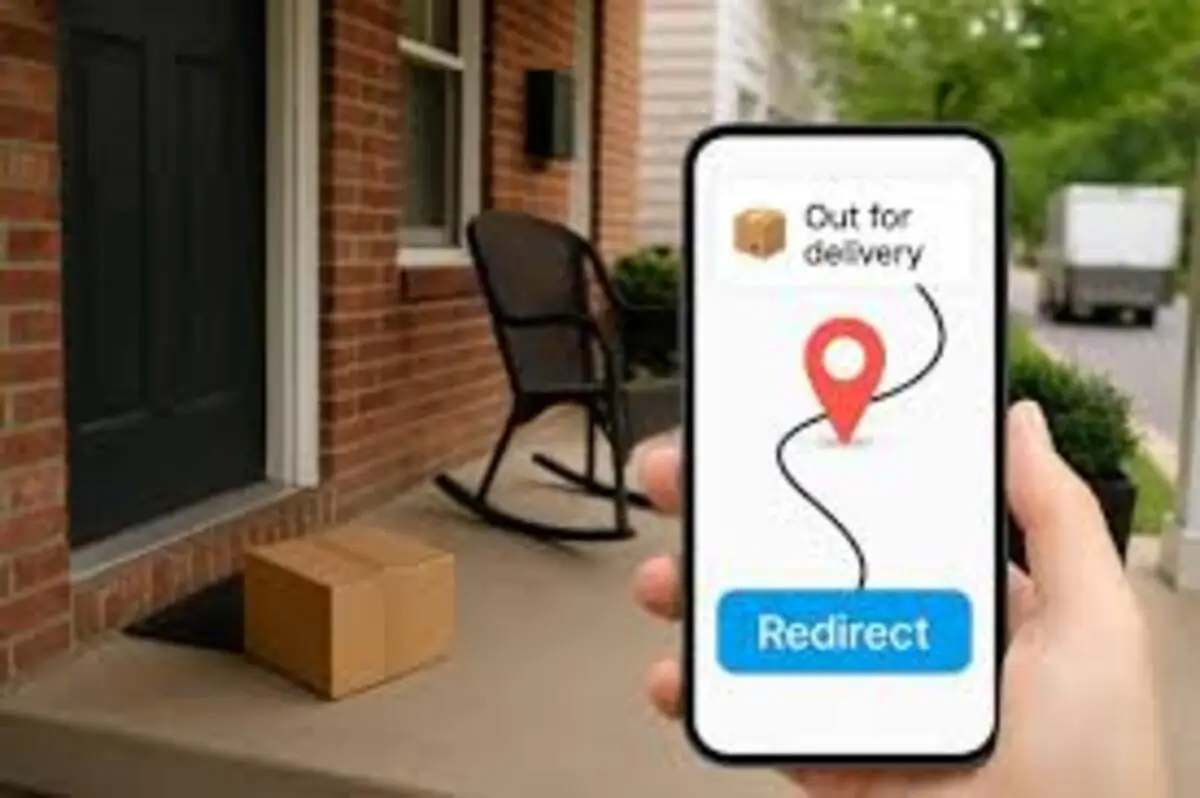
If the package is already out for delivery, rerouting may not be possible. In this case, you can try contacting UPS customer service to see if they can intercept the package before it reaches the delivery address. Another option is to leave delivery instructions for the driver, such as leaving the package with a neighbor or at a specific location on your property.
Incorrect Information
Providing incorrect information during the rerouting process can lead to delays or failed deliveries. Double-check all details, such as the new delivery address or pickup location, before submitting your request. If you realize a mistake after submitting, contact UPS customer service immediately to correct the information.
High Rerouting Fees
Depending on the rerouting option chosen, fees can add up quickly. If the cost of rerouting is too high, consider alternative solutions, such as rescheduling delivery or having the package held at a UPS Access Point. These options may be more cost-effective while still meeting your needs.
Understanding these potential challenges and how to address them is an important part of knowing how to reroute a UPS package successfully. Being prepared can help you navigate any issues that arise and ensure a smooth rerouting process.
Frequently Asked Questions
Here are some of the related questions people also ask:
Can I reroute a UPS package that is already out for delivery?
Rerouting a package that is already out for delivery is generally not possible through the standard process. However, you may contact UPS customer service to see if they can intercept the package before it reaches the delivery address.
How much does it cost to reroute a UPS package?
The cost to reroute a UPS package varies depending on the service level and the specific rerouting option chosen. Fees may apply for changing the delivery address, rescheduling delivery, or holding the package at a UPS Access Point.
Can I reroute a UPS package to a different country?
Rerouting a UPS package to a different country is not typically supported. Rerouting is usually limited to domestic addresses within the same country.
How do I know if my UPS package is eligible for rerouting?
You can check the eligibility for rerouting by logging into your UPS account and viewing the tracking information for the package. If rerouting is available, the option will be visible in the tracking details.
What happens if I provide the wrong address when rerouting a UPS package?
Providing the wrong address during rerouting can lead to delivery delays or failed deliveries. If you realize a mistake after submitting the rerouting request, contact UPS customer service immediately to correct the information.
Can I reschedule the delivery of a UPS package without rerouting it?
Yes, you can reschedule the delivery of a UPS package to a more convenient date without changing the delivery address. This can be done through the UPS website or app.
Is it possible to hold a UPS package at a location for pickup?
Yes, you can request that a UPS package be held at a UPS facility or UPS Access Point for the recipient to pick up at their convenience. This is one of the rerouting options available.
The Bottom Line: How Do I Reroute a UPS Package?
Rerouting a package with UPS can be a lifesaver when unexpected changes occur. Whether you need to send a package to a different address, hold it for pickup, or reschedule the delivery, UPS offers a range of options to accommodate your needs. By understanding how to reroute a UPS package, you can take control of your shipments and ensure they reach the right destination at the right time.
To recap, the key steps in rerouting a UPS package include verifying eligibility, choosing the right rerouting option, submitting the request, and paying any applicable fees. It’s also important to be aware of potential challenges, such as packages being out for delivery or incorrect information, and know how to address them effectively.
In today’s fast-paced world, flexibility in shipping is more important than ever. With the ability to reroute packages, UPS gives you the tools to manage your deliveries on your terms. So the next time you find yourself asking, “How do I reroute a UPS package?” you’ll be equipped with the knowledge and confidence to handle the situation with ease.
Remember, the key to successful package management is staying informed and proactive. By following the steps outlined in this guide, you can make the most of UPS’s rerouting services and ensure your packages arrive where they’re needed, when they’re needed.